A Christmas gift list should tell you what is left to decide, buy and finish without making you rebuild the season from browser tabs. A good list shows six things at a glance: who, clue, budget, gift, status and done.
| Person | Useful clue / wishlist | Budget | Gift / idea | Status | Wrapped / done | Actual spend |
|---|---|---|---|---|---|---|
What a filled-in version looks like
| Person | Useful clue / wishlist | Budget | Gift / idea | Status | Wrapped / done | Actual spend |
|---|---|---|---|---|---|---|
| Mum | Wants to replace old gardening gloves; hates clutter | $60 | Good gloves and favourite bulbs | Bought | No | $52 |
| Dad | Keeps talking about a local history book | $45 | Book from the local shop | Arrived | Yes | $40 |
| Sarah | Asked for no objects; wants a day together | $80 | Lunch and exhibition tickets | Booked | N/A | $72 |
| Leo | Exact game on his wishlist | $40 | The game | Need to buy | No |
What each column is for
- Person: one person, one row. Organising by store or order makes the list harder to finish.
- Useful clue / wishlist: the exact item, “no scented products,” a size, a favourite shop, a life change or a wishlist link. This is the column that stops the gift field starting from zero.
- Budget: set it before browsing. It is a planning boundary, not a score for how much you like someone. How to set it.
- Gift / idea: rough ideas are allowed. “Concert tickets if the date works” is more useful here than in one of five browser tabs.
- Status: use a small fixed set, such as Idea → Need to buy → Ordered → Arrived → Finished.
- Wrapped / done: bought and finished are not the same thing. If you do not wrap, use the real final step: shipped, card written, booking sent or delivered.
- Actual spend: add the final amount when you pay, so you can compare it with the budget.
Add only the extra columns you need
Order numbers help when you order a lot online. For six gifts, you can skip them.
Keep four budget totals
- Total Christmas budget. Everything you can comfortably spend on the season.
- Gift budget. What remains after food, travel, events and other seasonal costs.
- Planned gifts total. The sum of your per-person budgets.
- Actual gift spend. What you have really spent so far.
The warning that matters is not “you spent $14 more on Dad.” It is this:
Your planned list now exceeds the total amount you said you could afford.
Update the list at three moments
You do not need the gift yet.
Gift, actual price and status, so an ordered item leaves your mental “not done” pile.
No idea, need to buy, delivery risk, needs wrapping.
Hide finished rows until it is time to give the gifts. Keep the list focused on what still needs doing.
Gift ideas for everyone on the list
Stuck on the gift column for someone? Find their row below and grab a few ideas.
Spreadsheet, Notes or Christmas planner?
Use a spreadsheet
If you already know most of the gifts, a spreadsheet is hard to beat.
Use Notes
“Mum / $60 / gloves / bought / wrap.” If you keep it updated, that works.
Use a planner app
Family wishlists, secret claims, Secret Santa and parcel tracking. See the Christmas planner comparison.
Where Giftin fits
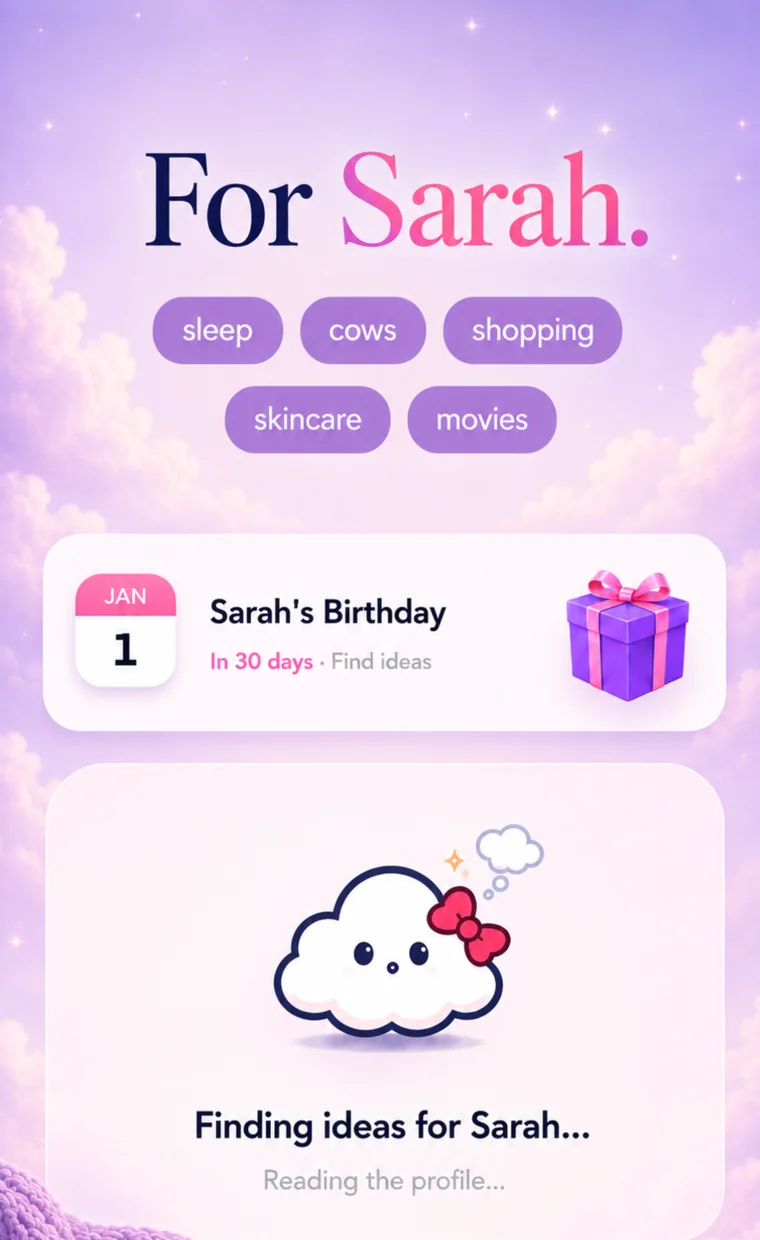
Giftin is useful before and between Christmas shopping seasons. It keeps the person, important dates, interests, things to avoid, past gifts and saved ideas together across the year. That helps with the hardest column in the template, the first one after the name: what do I actually know that could help?
Person memory, ideas and past gifts, all year.
Budget, shopping status and wrapping, for December.
For tracking parcels and wrapping, use this list or a Christmas planner app.
A better way to start next Christmas
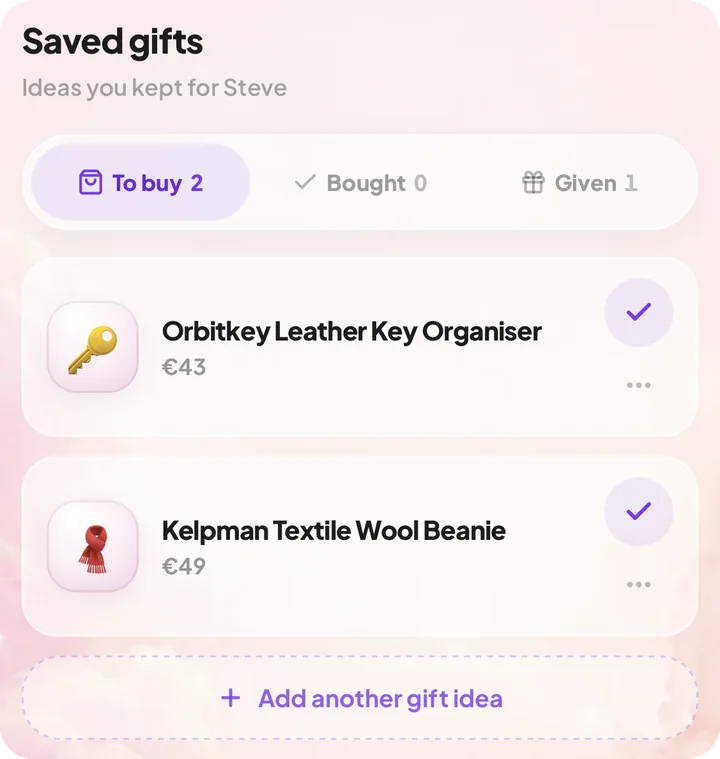
When Christmas is over, keep the information that survives the season: what you gave each person, what worked, useful sizes or preferences, things they said they do not want, and good ideas you did not use.
Those belong with the person, in Giftin or wherever you keep notes. The ordered, arrived and wrapped columns can go once the season is over. Next December, you start with what you learned instead of an empty list.

Keep what you learned for next year.
Past gifts, sizes and the things they said they wanted, next to the person. Free, for as many people as you want.
Download Giftin